Skip to content
How to Set Up IPTV at Home: The Complete Beginner’s Guide (2025)
Are you still paying over $100 a month for cable TV? Millions of households are cutting the cord and switching to a smarter, more affordable streaming solution. If you’ve been wondering what is iptv and how it actually works in real life, you’re in the right place. This step-by-step guide walks you through everything — from the gear you need to the exact installation process — so you can start streaming within minutes.
—
What You Need to Get Started
Before diving into setup, you’ll need a few essential items ready.
Compatible Device: IPTV works on Smart TVs (Samsung, LG, Android TV), Amazon Firestick, Apple TV, smartphones, tablets, and even laptops. Choose the device you already own to keep costs minimal.
Stable Internet Connection: A minimum of 10 Mbps is recommended for HD streaming. For 4K content, aim for 25 Mbps or higher. Slow or unstable internet is the number one cause of buffering.
A Reliable Player App: Popular options include TiviMate, IPTV Smarters Pro, and GSE Smart IPTV. These apps are free to download and support both M3U playlists and Xtream API login credentials.
An Active IPTV Subscription: You’ll need a provider that gives you a portal URL, username, and password — or an M3U link — to access the channel library.
—
Setup Time & Activation
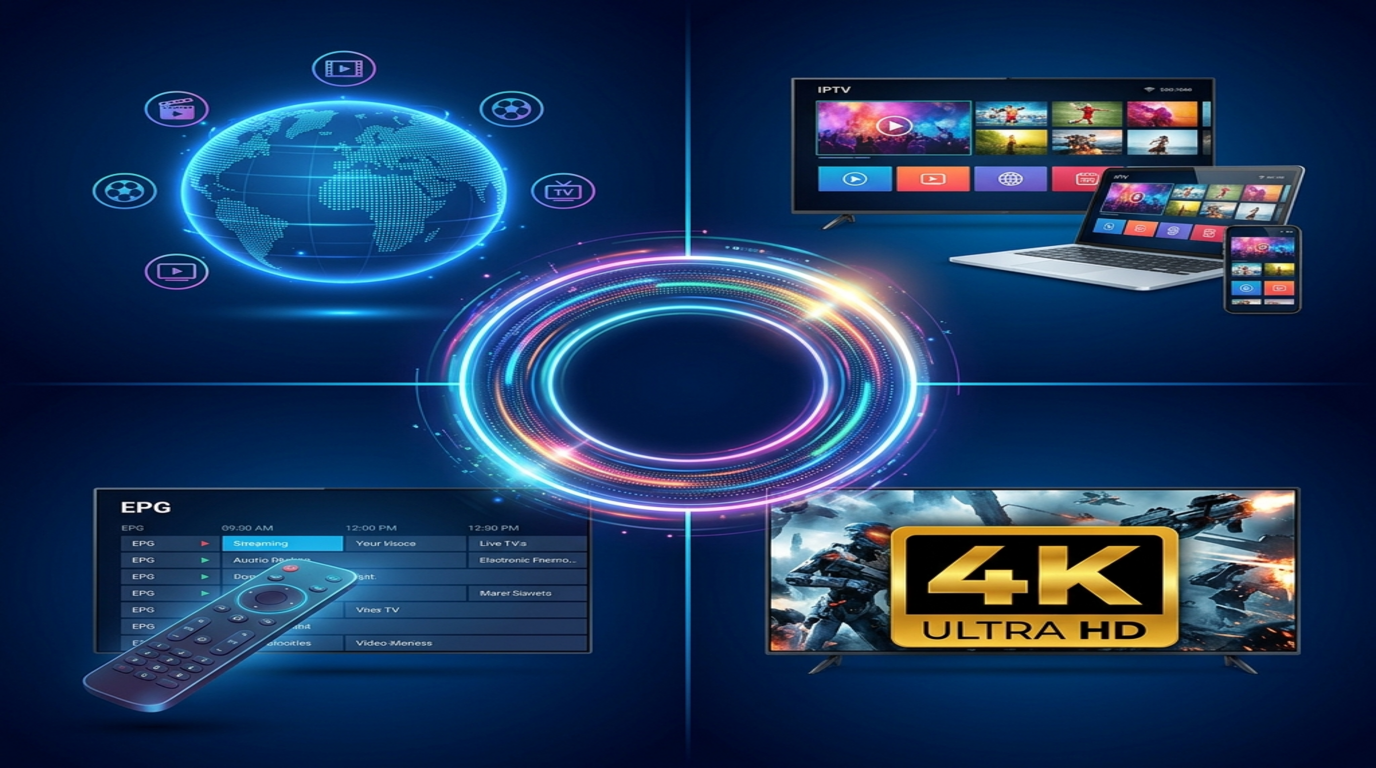
One of the biggest advantages of modern IPTV services is how fast you can get started. Most subscriptions are activated within minutes of purchase — no waiting for a technician or mailing equipment.
Once you receive your login credentials via email, you simply enter them into your player app and gain instant access to thousands of live channels, movies, and TV series. The entire process from purchase to playback typically takes under 10 minutes.
Not sure if it’s right for you? Try it before you commit. Grab a Free Trial today and explore the full content library with zero risk.
—
Step-by-Step Installation Guide
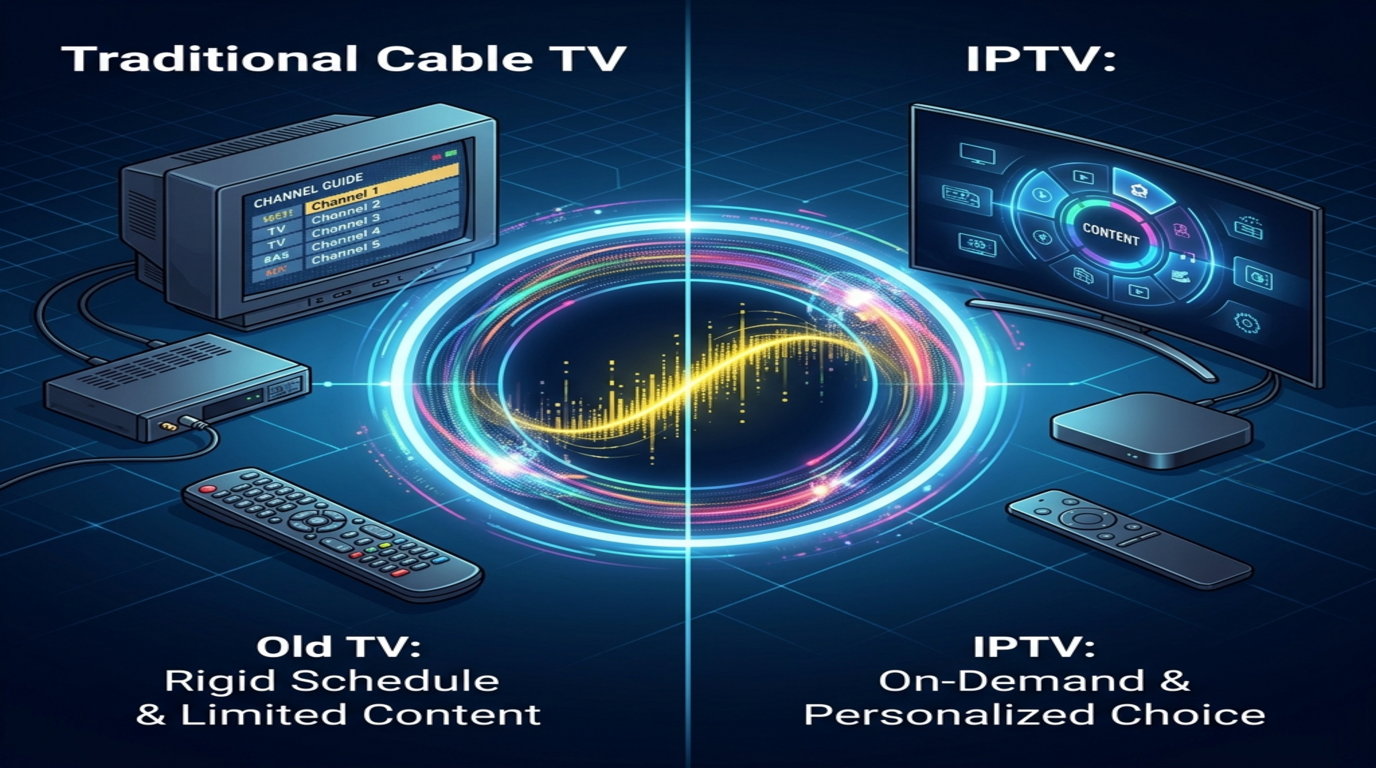
Follow these steps to get streaming on any device:
Step 1 — Download Your Player App: Open your device’s app store and search for TiviMate or IPTV Smarters Pro. Install the app for free.
Step 2 — Open the App and Select Add Playlist: Choose whether to add via M3U URL or Xtream Codes API. Both methods work equally well — use whichever your provider supplies.
Step 3 — Enter Your Credentials: For M3U, paste the URL directly. For Xtream API, input the portal URL, username, and password exactly as provided. Even one mistyped character will prevent login.
Step 4 — Load and Organize Channels: Allow the app to fetch your channel list. This may take 30–60 seconds depending on the playlist size. You can then sort favorites for quick access.
Pro Tip: Always copy-paste credentials instead of typing them manually to eliminate errors.
—
Key Benefits & Features: Understanding What Is IPTV’s True Value
Understanding what is iptv means recognizing its enormous value over traditional cable. Here’s why users are switching in record numbers.
Knowing what are the benefits of using iptv helps you make a fully informed decision. The advantages are substantial and measurable.
– Massive Content Library: Access 10,000+ live channels and 50,000+ VOD titles including movies and series
– Live Sports Coverage: Watch football, UFC, NBA, and international leagues in real time
– 4K & HD Quality: Crystal-clear picture quality that rivals — and often beats — cable
– Significant Cost Savings: Premium packages cost a fraction of traditional TV bills
Check current IPTV Pricing & Plans to find the package that fits your budget perfectly.
—
Tips for the Best Streaming Experience
Small optimizations make a massive difference in streaming quality.
Use an Ethernet cable instead of Wi-Fi whenever possible. Wired connections are faster, more stable, and eliminate interference from other devices. If Wi-Fi is your only option, position your router as close to your streaming device as possible.
Consider using a VPN to protect your privacy and potentially bypass regional content restrictions. A reputable VPN with fast servers ensures minimal speed impact.
Clear your app’s cache weekly. Accumulated cache files can slow down your player and cause unexpected crashes or freezing during playback.
—
Common Mistakes to Avoid
Avoid these frequent setup and usage errors:
Mistyping Portal URLs or Credentials: This is the most common issue. Always copy-paste directly from your welcome email. Double-check for spaces or extra characters.
Ignoring Internet Speed Requirements: Running multiple 4K streams on a 10 Mbps connection will cause constant buffering. Test your speed at fast.com before streaming.
Using Outdated App Versions: Always keep your player app updated. Older versions often have compatibility bugs that disrupt playback.
Choosing Unreliable Providers: Low-cost, unverified services often have poor uptime and zero customer support. Always choose a trusted provider with proven reliability.
—
Subscription Management
Managing your subscription is straightforward. Most providers offer easy renewal options directly through their website or customer portal.
Keep track of your subscription expiration date to avoid service interruptions, especially before major sporting events. Many providers send automatic renewal reminders via email.
If you ever experience technical issues or need account assistance, don’t hesitate to reach out directly. Our team is available 24/7 — Contact Us anytime for fast, professional support.
—
Conclusion
Switching to IPTV is one of the smartest entertainment decisions you can make in 2025. You get thousands of channels, premium on-demand content, live sports, and 4K quality — all at a fraction of the cost of traditional cable.
The setup is fast, the interface is intuitive, and the content library is virtually unlimited. There’s no reason to keep overpaying for less.
Ready to transform your home entertainment experience? Get Your Premium IPTV Subscription today and never look back.
—
FAQs
Q1: Is IPTV legal to use?
IPTV technology itself is completely legal. Legality depends on the content and provider you choose. Always select licensed, compliant services.
Q2: What internet speed do I need?
HD streaming requires at least 10 Mbps. For 4K content, 25 Mbps or higher is strongly recommended for a buffer-free experience.
Q3: Can I use IPTV on multiple devices simultaneously?
Yes. Most subscription plans support multi-screen viewing. Check your specific plan details to confirm the number of simultaneous connections allowed.
Q4: What happens if my stream keeps buffering?
Check your internet speed first, then switch from Wi-Fi to Ethernet. Also try clearing your app cache or restarting your router.
For more detailed answers, visit our Full FAQ Page.