Skip to content
How to Create IPTV 2026? Complete M3U and Xtream Codes Guide
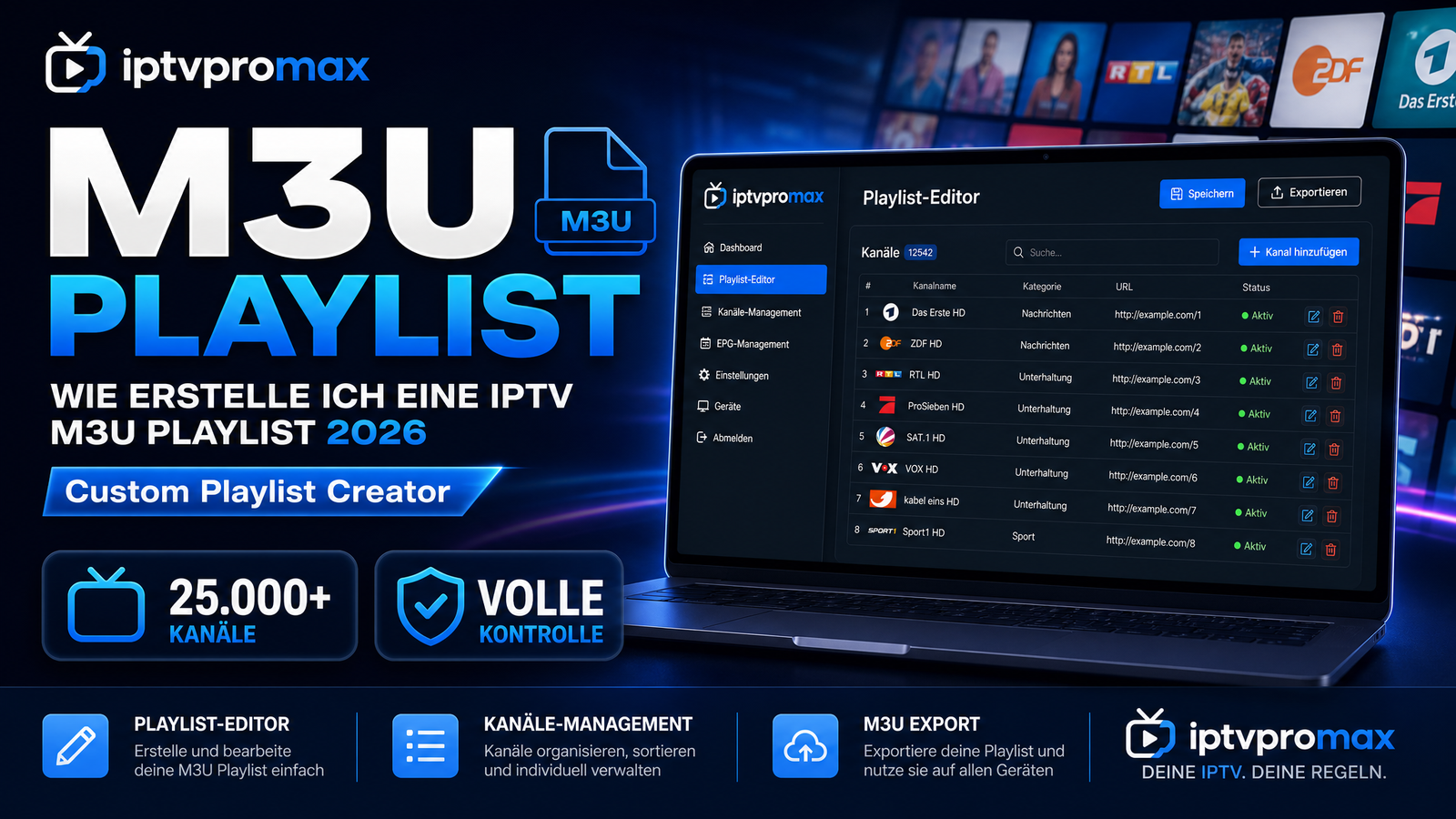
How to create IPTV yourself? This question is asked by many people who want to set up their own streaming system. The good news: Creating an IPTV setup is easier than you think! You mainly need good M3U playlists or Xtream Codes plus an app. In this comprehensive guide, we explain how to create your own IPTV system, which formats you need, and why iptvpromax is the best source for M3U and Xtream Codes. Let’s discover together how simple it is to create a working IPTV system!
How to Create IPTV? Understanding the Technical Basics
What exactly does it mean to create an IPTV setup?
When we say “how to create IPTV,” we’re really asking: How do I set up my streaming system on my devices and start watching? This works through two main formats:
- ✅ M3U Playlists: Simple playlist files with channels and stream URLs
- ✅ Xtream Codes: Professional API-based access credentials for premium services
In practice: You need a good M3U playlist or Xtream credentials plus an IPTV app. Then it works automatically.
How to Create IPTV – What Is an M3U Playlist?
How does an M3U file work exactly?
An M3U is a standard playlist format file:
- ✅ Simple text format (.m3u or .m3u8)
- ✅ Each line contains a TV channel or video stream
- ✅ Includes channel names, logos, and stream URLs
- ✅ Works with most IPTV apps (VLC, IBO Pro, Smarters Pro, Perfect Player)
- ✅ Very easy to import and use immediately
In reality: You copy the M3U URL into your app. The application then automatically loads all available channels.
How to Create IPTV – What Are Xtream Codes?
How does the Xtream system work in detail?
Xtream Codes is a professional API system for premium streaming:
- ✅ Host/Server: The network address of your streaming server
- ✅ Username: Your personal login username
- ✅ Password: Your authentication password
- ✅ Port: The connection port number (usually 8080 or 80)
- ✅ EPG URL: For electronic program guide (TV schedule)
In practice: You enter these 4 credentials into your app. It connects to the server and loads 25,000+ channels automatically!
How to Create IPTV – Step-by-Step Setup Instructions
The exact technical steps to build your system:
Step 1: Choose Your Preferred Format
- 1️⃣ Decide: M3U playlist or Xtream credentials?
- 2️⃣ M3U = simple, but often limited (100-500 channels)
- 3️⃣ Xtream = professional, 25,000+ channels standard
- 4️⃣ iptvpromax offers BOTH formats
Step 2: Obtain Your Access Credentials
- 1️⃣ Subscribe to a service (e.g., iptvpromax)
- 2️⃣ Receive your M3U URL or Xtream credentials by email
- 3️⃣ Store this information securely
Step 3: Install an IPTV Application
- 1️⃣ Popular options: VLC, IBO Pro, Smarters Pro, Perfect Player
- 2️⃣ IBO Pro comes free for 1 year with iptvpromax
- 3️⃣ Install on your preferred device
Step 4: Import Your Credentials
For M3U Format:
- 1️⃣ Open your app
- 2️⃣ Navigate to “Playlists” or “Add”
- 3️⃣ Paste your M3U URL
- 4️⃣ The app automatically loads all channels
For Xtream Codes:
- 1️⃣ Open your app
- 2️⃣ Go to “Server Settings”
- 3️⃣ Enter: Host, Username, Password, Port
- 4️⃣ Connection is established immediately
Step 5: Start Watching!
- ✅ All channels are now available
- ✅ Add favorites to your list
- ✅ Enjoy 25,000+ channels in 4K quality
Comparison: M3U Playlists vs. Xtream Codes
Which format should you use?
| Criterion | M3U Playlists | Xtream Codes |
| Setup Simplicity | Very easy (URL copy) | Slightly more complex (4 credentials) |
| Available Channels | 100-500 typical | 25,000+ standard |
| Streaming Quality | Good to excellent | Professional (best) |
| EPG Guide | Often unavailable | Complete and current |
| Reliability Uptime | 60-80% average | 99.9% (iptvpromax) |
| Customer Support | No support available | 24/7 (iptvpromax) |
Best choice: Xtream Codes from iptvpromax – the professional industry standard!
The Optimal Solution: iptvpromax
Why iptvpromax is the best source:
iptvpromax offers both formats perfectly:
- ✅ M3U Format: For beginner users
- ✅ Xtream Codes: For power users and professionals
- ✅ 25,000+ Channels: Available with both formats
- ✅ 4K/UHD Quality: On all channels
- ✅ 99.9% Uptime Guarantee: Your credentials always work
- ✅ Complete EPG: Full TV schedule included
- ✅ 24/7 Support: German-speaking support available
- ✅ IBO Pro Free: 1 YEAR with every subscription
- ✅ Only €44.99/Year: Incredibly affordable
After purchase: You receive your M3U URL and Xtream credentials by email. Copy-paste into your app. Done – ready to watch immediately!
Frequently Asked Questions
Can I set up a system without technical knowledge?
Question: Am I too inexperienced?
Answer: No! M3U is simple – just copy-paste a URL. iptvpromax has 24/7 English and German support if questions arise.
Can I use the credentials in multiple apps?
Question: Does this work with different applications?
Answer: Yes! With iptvpromax everything works with IBO Pro, Smarters Pro, VLC, Perfect Player, and more.
Can I set this up on my smart TV?
Question: Does this work on my television?
Answer: Yes! Simply install the app on your smart TV and import your credentials.
Is there a free trial available?
Question: Can I test before purchasing?
Answer: Yes! iptvpromax offers 24-48 hours free – use test credentials to try it out.
Do I get a complete TV program guide?
Question: Is the EPG available?
Answer: Yes! With iptvpromax Xtream Codes – complete EPG with all shows available.
Video: How to Create IPTV – Live Setup Tutorial
Want to see how to really set up an IPTV system? Check out our video showing the complete process with M3U and Xtream credentials live!
The Guide: How to Create IPTV 2026
Summary of the steps:
- ✅ Choose your format: M3U or Xtream
- ✅ Get your credentials from iptvpromax
- ✅ Install an IPTV app
- ✅ Import your credentials
- ✅ 25,000+ channels available immediately
- ✅ Enjoy 4K/UHD streaming!
The bottom line: How to create IPTV optimally and simply? With iptvpromax M3U or Xtream Codes – the best provider for both formats! You receive your credentials immediately after purchase, 25,000+ channels with 99.9% uptime, 4K quality, 1 YEAR of IBO Pro free, 24/7 multilingual support, and only €44.99/year. Test iptvpromax free for 24-48 hours – no credit card required. Experience yourself how simple and professional IPTV setup can be!
For technical information on IPTV see Wikipedia IPTV.
—
iptvpromax.de: How to create IPTV? With M3U and Xtream Codes. 25,000+ channels. 4K. €44.99/Year. ⚡